TeamViewer
A long-established remote access and support service delivered from the cloud.
Paid (trial) Desktop download
- Platforms
- Windows, macOS, Linux, ChromeOS, web, mobile
- Licence
- Paid (trial) — proprietary; free for personal use
- Price
- Free for personal use; commercial from ~$24.90/mo (billed yearly)
- Category
- Remote access & support
- Updated
- 2026-11-05
What it is
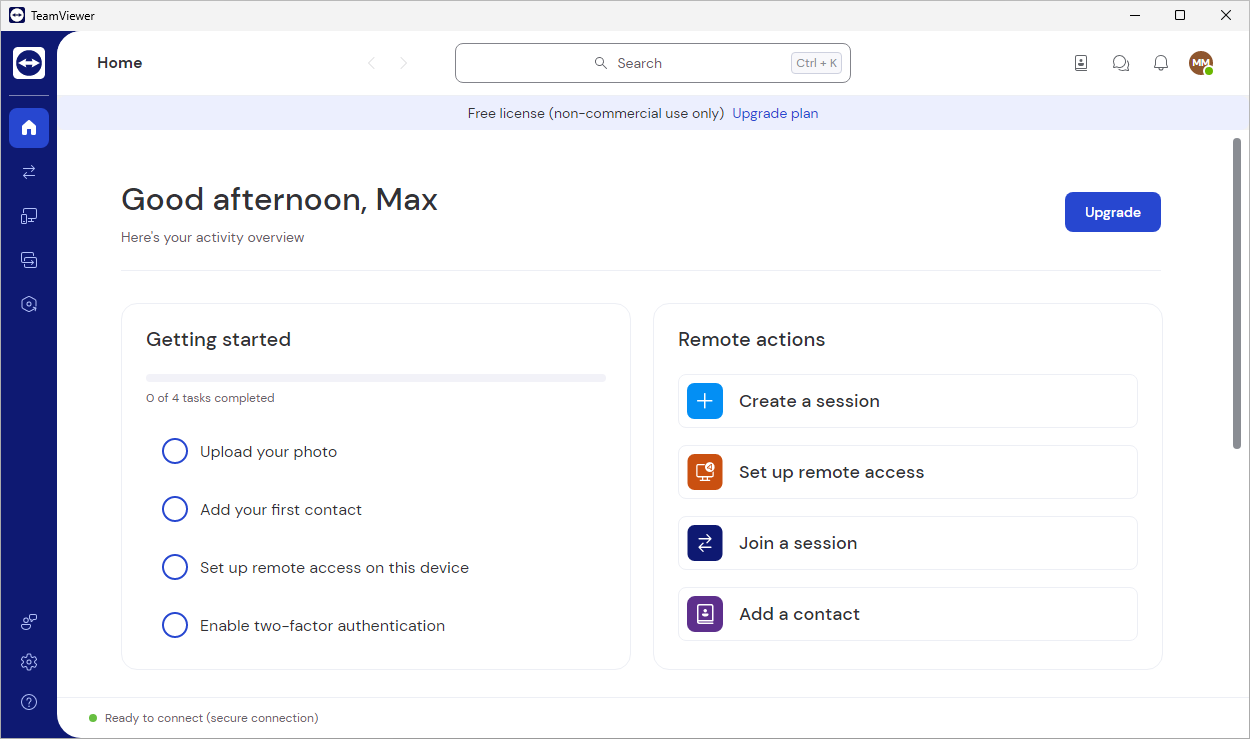
TeamViewer is a broadly deployed, proprietary platform for remote access, control and support. For an administrator it brings connections to workstations and servers (unattended included), file transfer, monitoring, one device registry, access roles and session logs.
Problems it removes
- Support staff have to reach any device fast, even across NAT and firewalls.
- You want a single device registry with roles and an audit trail of connections.
- Occasional support of non-technical users who cannot stand up a VPN.
How administrators use it
- Push the Host client to servers and kiosks for always-on unattended access.
- Group devices in the console and set connection permissions by role.
- Open ad-hoc sessions from a short ID and retain logs for compliance.
Strengths & trade-offs
Strengths
- Connects reliably through almost any network.
- Mature console, roles and auditing.
- Wide platform and mobile reach.
Trade-offs
- Commercial licensing is relatively costly.
- Sessions cross the vendor cloud by default.
- The free tier is often flagged on business networks.
Common questions
Can I use TeamViewer free at work?
The free tier is personal-use only; business use needs a commercial licence, and connections are regularly detected as commercial.